A Built-in Checklist for Complex Tickets
Native checklist built directly into your tickets, so you can break down complex work into trackable steps without leaving ALVAO.
What is it?
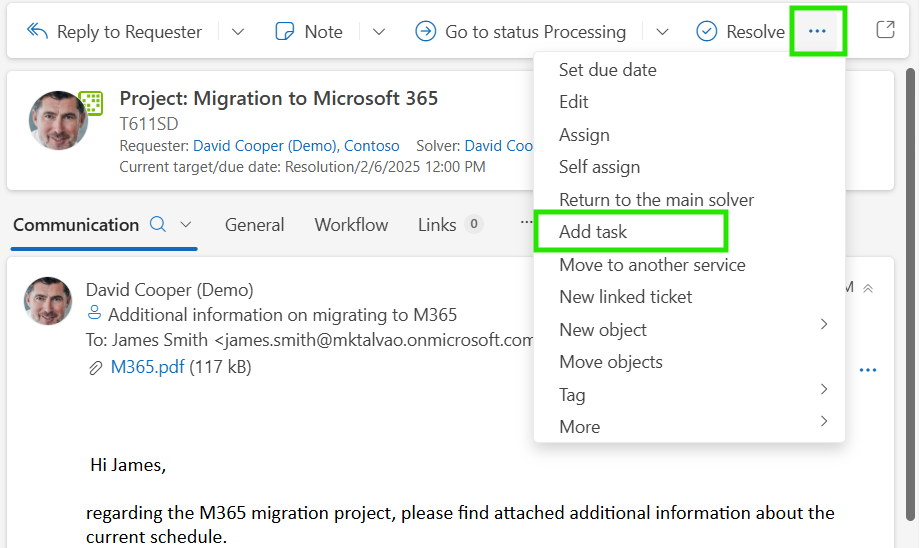
Lightweight task list directly inside the ticket — add tasks, check them off as you complete each step, set individual due dates, and track progress, all without switching to an external tool.
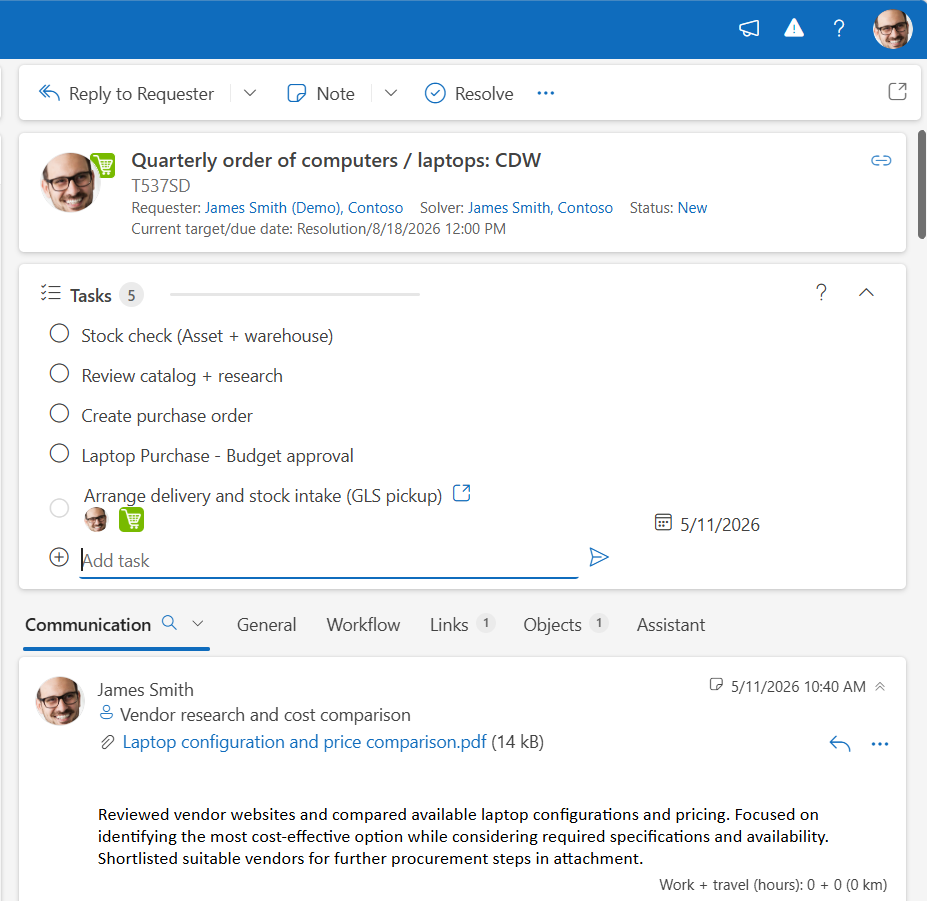
If a task grows into something that needs delegating, you can convert it to a child ticket, which then appears right in the same task list view. Everything in one place.
Where does it help?
1. Multi-step setup or rollout
You’re configuring a new Azure environment — firewall rules, permissions, DNS settings, user accounts. Instead of keeping track in a notepad or spreadsheet, you create a task for each step directly inside the ticket. You work through them one by one, checking off as you go.
2. Batch jobs across multiple assets
A patch needs rolling out to 7 servers. You create a single ticket and add one task per server. As each one is done, it gets checked off. Your manager — or anyone with access — can see the exact state of progress at a glance.
Available now
Tasks for Ticket is available now in ALVAO 26.2 as an Insider Preview; general availability rolls out in future as part of ALVAO Advanced Workflows (SaaS Standard edition). Give it a try on your next complex ticket — we’d love to hear what you think.